Entities
Similar to Data Management application, the entity list of User Management appliction and the features that it manages are in the table below.
| Entities | Features |
|---|---|
| User | View, add, edit, delete users and assign user to groups and applications |
| User Group | View, add, edit, delete user groups, add users to group and assign group to applications |
| Role | View Privileges and view, add, edit, delete Roles of all applications |
| Configuration | Export the data of other entities in the application |
Privileges
Similar to Data Management application, below is a table of Entities and its privileges of User Management application:
| Entities | Read | Write | Delete | Share |
|---|---|---|---|---|
| User | x | x | x | |
| User Group | x | x | x | |
| Role | x | x | x | |
| Configuration | x |
Relationship between three privileges: Read, Write, Delete:
- If you have Write permission, you have Read permission by default
- If you have Delete permission, you will have Write permission by default
- If you don't have Read permission, you won't have Write permission
- If you don't have Write permission, you don't have Delete permission
To determine the extent to which users have access to the system and the resources it stores system leverages two complementary security mechanisms:
- Role-based security
- Object-based security
Default Roles
User Management application has 2 default roles with corresponding privileges as follows:
Administrator and Engineer role: Have all the privileges in the system
| Entities | Read | Write | Delete | Share |
|---|---|---|---|---|
| User | x | x | x | |
| User Group | x | x | x | |
| Role | x | x | x | |
| Configuration | x |
Engineer role: can view roles, privileges and do config or user and user group only
| Entities | Read | Write | Delete | Share |
|---|---|---|---|---|
| User | x | x | x | |
| User Group | x | x | x | |
| Role | x | |||
| Configuration | x |
User access rights
Similar to Data Management application, in User Management application, a user/user group can have many roles, a user can belong to many user groups and a user group can have many users.
Therefore, in a project, a user's access rights will be merged from its own privileges and all the roles it is assigned to and all the user groups which it belongs to. A user group's access rights will be merged from its own privileges and all the roles which it is assigned to.
Relationship between entities
When adding/editing User Group and Application tab of User, it is necessary to refer to other entities such as user group and role. So if the user does not have permission to read these entities, the corresponding tabs will not be displayed.
For example: On the Add/Edit User screen in addition to the privileges with the User entity, to display the User Group/Application tab, the user must have Read User Group/Read Role privilege.
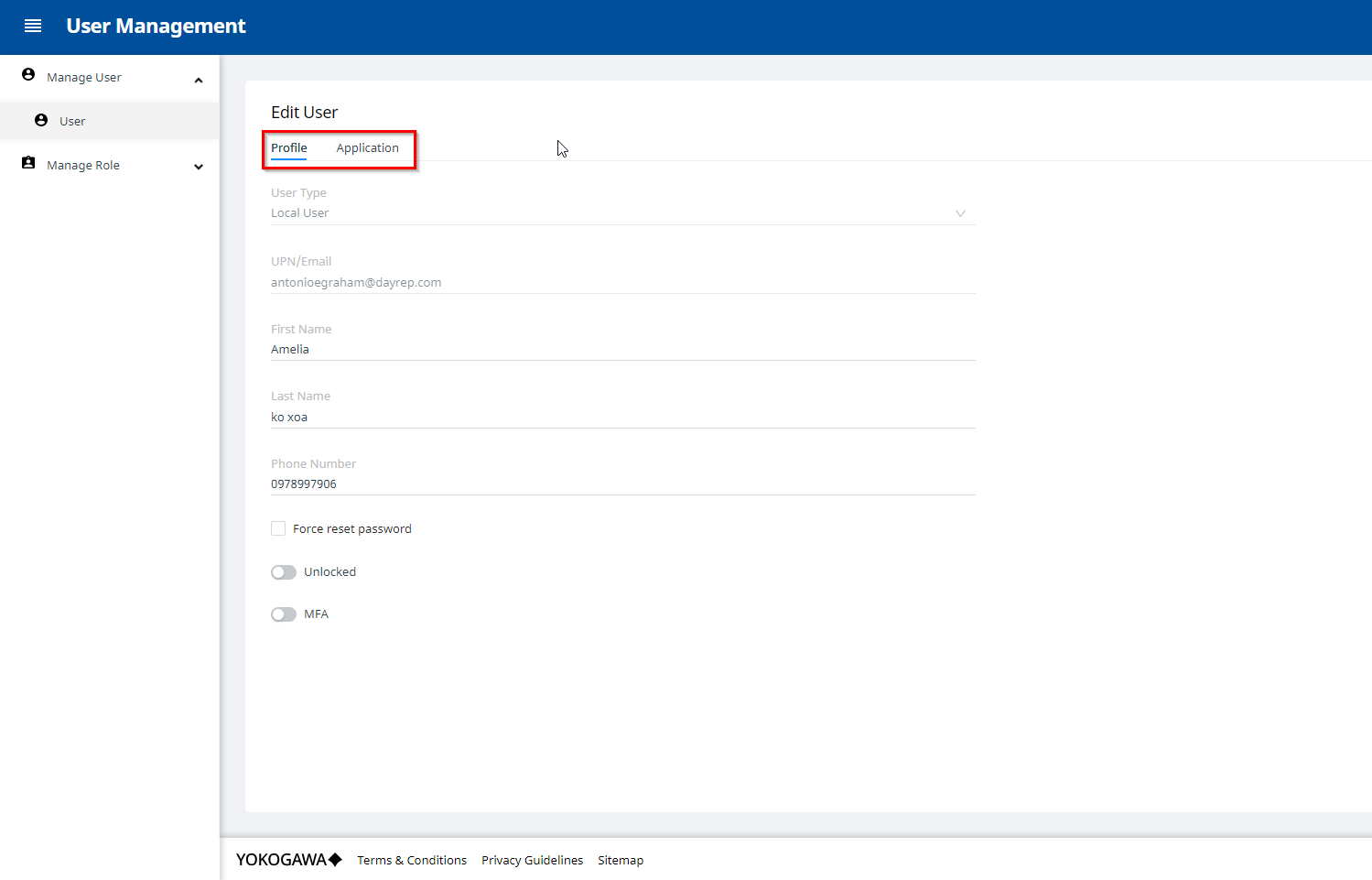
This rule also applies to the Add/Edit User Group screen.